Pick the model.
Not the ecosystem.
Connect a ChatGPT subscription or OpenAI-compatible APIs. Mix providers and assign the right model to each kind of work.
Explore providersAvi Desktop / Open-source AI harness
Your best work needs more than a chat window.
Bring your models, tools, and agents together. Give them context. Keep the work in view.
Download Avi Windows, macOS & Linux · MIT licensedA faithful, interactive recreation of Avi. Prepared examples only: no AI requests, credentials, or changes to your files.
A harness is everything around the model: its tools, context, permissions, and way of working. Avi puts that layer in your hands.
Connect a ChatGPT subscription or OpenAI-compatible APIs. Mix providers and assign the right model to each kind of work.
Explore providersDelegate research, implementation, and independent checks. Agents exchange findings while you follow their work in the same workspace.
See orchestrationKeep instructions and skills with your projects. Add persistent bots for recurring work, with schedules, memory, and an inbox for your input.
Meet autonomous botsFrom a second opinion to a coordinated effort. Change how your agents work, not where you work.
Agents explore the project, compare approaches, and check assumptions. You get a plan to review before implementation.
Define what done means. Avi keeps the agent working toward those criteria, with progress, questions, and approvals kept visible.
Delegate independent lines of exploration to sub-agents. Bring the findings together, challenge the result, and refine the work.
A supervisor model interviews your agent in a read-only session. Review the critique and proposed next steps before anything is executed.
Discover instructions, skills, workflows, and memory from local and global folders. Keep notes in project lists, then mention a snapshot in chat when it helps. Stop rebuilding the same prompt for every conversation.
Instructions / Skills / NotesUse local file and terminal tools. Connect MCP servers globally or per workspace, inspect their tools, and see when something needs attention.
Local tools / MCP / Workspace scopeGive bots a role, model, and schedule. Review their activity and answer questions in an inbox, without digging through every tool call.
Schedules / Memory / InboxFork a side chat to discuss ongoing work without interrupting the main thread. Use Quick Chat for the unrelated question that just came to mind.
Side chats / Quick ChatAdd trusted plugins for providers, tools, panels, and themes. Use the Core, MCP, and RPC APIs to connect Avi to your own systems.
Plugins / Themes / Public APIsInspect files, Git changes, tasks, and usage beside the conversation. Choose permission levels, review consequential actions, and interrupt a run.
Permissions / Git / Usage
Your conversation state lives on your machine. Model requests go to your configured providers; connected tools and optional services use their own connections. Local does not mean offline.
Avi Workspace puts a browser between you and your running desktop. Connect from another computer or your phone.
Open Avi Workspace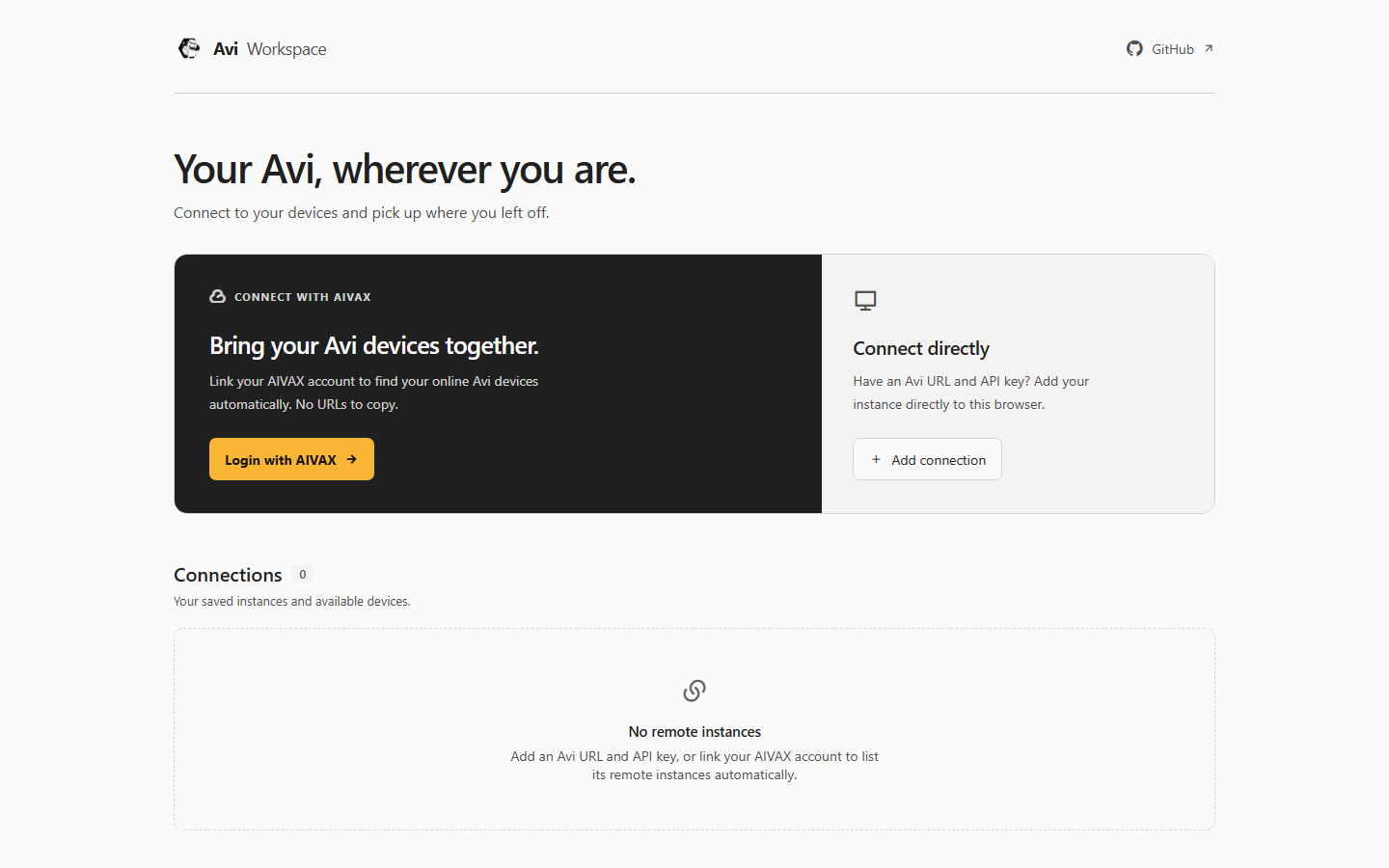
Remote access is experimental. Avi must stay running and reachable; Workspace is not a hosted computer.
Connection requirementsAvi + AIVAX
A tutorial becomes a skill. A useful fact becomes a memory. Optional AIVAX tools give your agents more to work with.
Explore AIVAX IntegrationOff by default. Enabled services may send content to AIVAX and consume your account balance.
/teach-skillAIVAX analyzes the processA reusable set of instructions.
Ready for the next conversation.
Memory search gives agents a way to find what was saved, beyond a single chat.
Search the web, extract page content, or describe media your selected model cannot read directly.
How it works · Illustrative flows, not a live AI execution.
Not another disposable chat.
Bots have a role, a schedule, and a place to report back.
Documentation Bot
Open its activity. Answer its question. Adjust its schedule. Try the actual controls in this prepared demo.
Your machine does the work. Keep Avi running and your computer awake. Each real bot uses its configured model and permissions.
You choose the models behind the work.
Delegation, auxiliary tasks, and routing each have their own settings.
Focused tasks
Your model + effortMulti-step work
Your model + effortComplex reasoning
Your model + effortMap the three levels to models from your configured providers. The labels describe roles, not fixed model brands.
Supporting work does not have to use the same model as your main conversation.
FallbackMove to the next model after exhausted connection retries or rate limits.
Round robinRotate the starting model on each request, keeping the others as fallbacks.
Great harnesses make different trade-offs. Choose Avi when you want model choice, visible orchestration, and recurring work together in a desktop workspace.
| What matters to you | avi.Desktop workspace | Claude CodeAnthropic | CodexOpenAI | OpenCodeOpen source |
|---|---|---|---|---|
| Center of gravity | Conversations, tools, and agents in one visual workspace | Coding agent across terminal, IDE, desktop, and web | Coding agents across app, IDE, CLI, and cloud | Open-source coding agent for terminal, desktop, and IDE |
| Model connections | ChatGPT subscription and OpenAI-compatible APIs; extensible providers | Claude models through Anthropic and supported cloud platforms | OpenAI models with ChatGPT or API authentication | Multiple providers, subscriptions, and local models |
| Agent workflows | Cross-provider sub-agents, Plan, Goal, Ultra, and read-only reviews | Sub-agents, skills, hooks, and agent teams | Parallel agents, skills, and app automations | Primary agents, sub-agents, and custom agent configurations |
| Choose it when... | You want a persistent home for models, projects, bots, and the work around them | You want Claude-centered coding in your existing workflow | You want OpenAI's coding workflow across local and cloud tasks | You want a coding-first, provider-flexible open-source agent |
A workflow comparison, not a performance ranking. Features and availability change; no speed or quality benchmarks are implied. Reviewed September 2026.
The workspace. The tools. The bots.
No Avi subscription to unlock them.
Pricing, without the fine-print hunt
Bring a supported subscription or API connection. Your provider bills for its models under its own terms.
Optional connected services use their own account, plan, and balance. They are not required for Avi's core workflow.
See AIVAX pricingFree, open-source software. No Avi subscription.
Bring your own model connection and get started.
Windows · macOS · Linux
Model providers and optional services may charge separately.
Choose the package for your operating system from GitHub Releases.
Sign in with your ChatGPT subscription or add an OpenAI-compatible provider.
Choose a project folder. Add your context and tools. Start a conversation.
Yes. Avi is open-source software under the MIT license. You pay your model provider according to its own pricing or subscription. Optional connected services may have separate costs.
Avi has a built-in OpenAI Subscription connection for ChatGPT accounts. Other services can connect when they expose a compatible Responses or Chat Completions API. Do not assume a Claude Code or other app subscription provides an API connection to Avi. Check supported providers.
No. Core conversations, provider connections, local tools, context, and orchestration do not require an AIVAX account. AIVAX integrations are optional and add services such as persistent memory and remote access.
Bots and local agent work require Avi to remain running and your computer to be awake. Depending on your settings, closing the window can leave Avi in the system tray; quitting the application stops execution. A schedule does not turn a local bot into a cloud service.


